Client
Landscaping company
Industry
Landscaping and outdoor design
Format
1 day on site
Participants
The 2 owners
Key result
24 tasks sorted, 4 quick wins
The context
A landscaping company: driveways, fences, gates. 4 installation crews, about 120 jobs a year, 2 owners who sell, price, order, schedule and handle after-sales service.
The office work lives in a series of Excel files that don't talk to each other. A master file for signed jobs (the team calls it the Bible), a production file, a file for hours, another for profitability. The same information is retyped 3 to 4 times, from the supplier purchase order to the weekly schedule.
AI was a topic in the company, but nobody knew where to start. The request was to decide: what to automate, in what order, and for what gain.
What I did
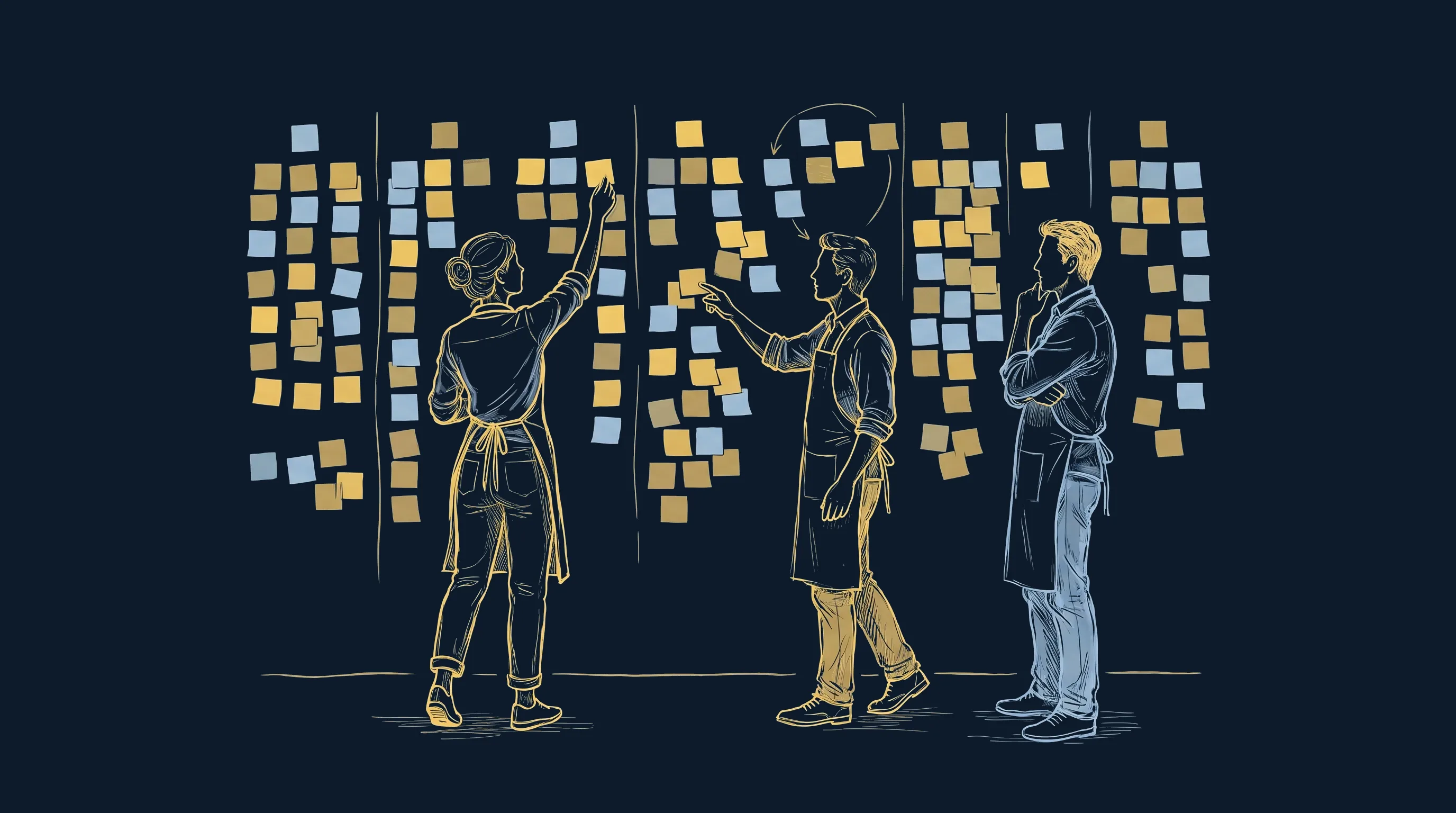
Mapping the tasks (morning)
A shared sticky-note board, opened by QR code and filled in live while the owners describe their week. 7 categories covered one by one: sales, production, order management, human resources, customer relations, strategy and development, marketing and communication. One task per sticky note, with its time and frequency.
What AI does and what it doesn't
An hour to define the terms with examples from their trade: what a language model is, why it makes things up, what sets an assistant apart from an agent, what a trigger is, and where acceptable autonomy stops. Then liability, the GDPR, the AI Act and the confidentiality of client data.
Sorting and pricing on the wall (afternoon)
Each task is revisited, priced at the fully loaded hourly cost multiplied by time and frequency, then placed on an impact versus effort matrix. The rule set during the session: first ask whether a simple script would do, before paying for AI.
Rebuilding the process in UML
After the session, the morning's transcript is used to redraw the real path of a job, from the first meeting to the final payment. 7 actors, 39 actions, 7 decisions. This diagram is what brought out the 7 re-keying points and the 13 places where AI belongs.
The process map
The path of a job, from the quote request to the final payment, rebuilt from the session. Each column is an actor, each arrow a handoff, and the labels name the file or tool where the information is written.
Two views can be layered on the same diagram. Re-keying shows where information that is already known gets retyped elsewhere. AI candidates show where a machine can take over part of the work, under human control.
The impact versus effort matrix
The 7 projects selected, placed by the owners themselves at the end of the session. Impact is measured by the calculated annual gain, the errors avoided and the relief for the team. Effort adds up the cost of the tools, the time to go live and the support.
Quick wins
Major projects
On hold
To drop
High impact toward the top, effort increasing to the right.
Where the projects landed
Placement decided in the session, reproduced as is.
- 1Prepare supplier ordersmajor project
- 2Prepare the start of a jobmajor project
- 3Manage crew hoursmajor project
- 4Handle recurring requestsquick win
- 5Photo montage during meetingsquick win
- 6Monitor the marketquick win
- 7Map the client basequick win
The results
24
tasks sorted and priced
4
quick wins selected
3
major projects underway
One entry instead of 4
The diagram reveals 7 places where information that is already known is retyped into another file. The signed quote copied into the master file, the meeting notes copied onto the purchase orders, the order acknowledgment copied in turn, the crews' hours re-entered every month.
That is the first line of the action plan: the information is entered once, when it appears, and the following documents fill in from that entry.
A clear priority
The decision made in the session fits in one sentence: the impact is in production. Sales is working, leads are qualified, and the closing rate is in line with the network average. Strategy and development will wait until production gets some relief.
A first project delivered
Work on the first of the 3 major projects started right away: job site preparation from a narrated site survey video. It is now in use at the company, tested on its own jobs, and the team keeps improving it without outside help. See how it works.
What the workshop includes
One day on site, with the people who do the work. Nothing is prepared in advance: the content comes from what they describe.
The mapping board
A digital sticky-note wall, opened by QR code, that everyone sees and adds to. 7 categories, one task per sticky note, with its time and frequency. It remains available after the session and serves as the basis for the action plan.
The upskilling sequence
Language models, hallucinations, assistants, agents, triggers, the autonomy spectrum. Each concept starts from an example from their trade, judged by the people who do that work.
The legal framework and confidentiality
What the GDPR and the AI Act require, what happens to data sent to a model, and which tasks remain 100% human because they bind the company legally.
Pricing task by task
Fully loaded hourly cost multiplied by time and annual frequency. A calculator projected on the wall and fed live, which gives the annual gain of each task before any decision.
The impact versus effort matrix
The participants place the projects themselves. The disagreement between them is worth more than the final placement: that is where what really matters in the company gets said.
The online debrief
A private web space, in the client's colors, that brings together the summary of the day, the process diagram, the final matrix and the homework to do before the next session. The whole team has access, including those who were not in the room.
Want similar results?
Mapping your processes before choosing any tool saves you from paying for AI to solve a problem a spreadsheet could fix. The training course on high-ROI AI opportunities gives your decision-makers this lens.
30 minutes, no commitment.