AI ADVISORY
Automating job site preparation from a video with AI
Landscaping company
Client
Landscaping company
Industry
Landscaping and outdoor design
Input
A narrated site survey video
Output
The sheet the crew takes along
Status
In use at the client's company
The context
This work came out of the first of the 3 major projects agreed on during the mapping workshop. The company sells a job, then carries it out 2 to 4 months later.
In between, the information lives in the head of whoever made the sale. Details jotted down by hand at the meeting get lost: the post in the planter, the water running down toward the garage, the gate that has to come off to get through. A pre-job site visit exists precisely to catch these, and it ties up one person for half a day.
When a detail slips through, the crew arrives on site and discovers the problem. The day is lost, the client is unhappy, and the rework is paid for twice.
The use case: reading a video
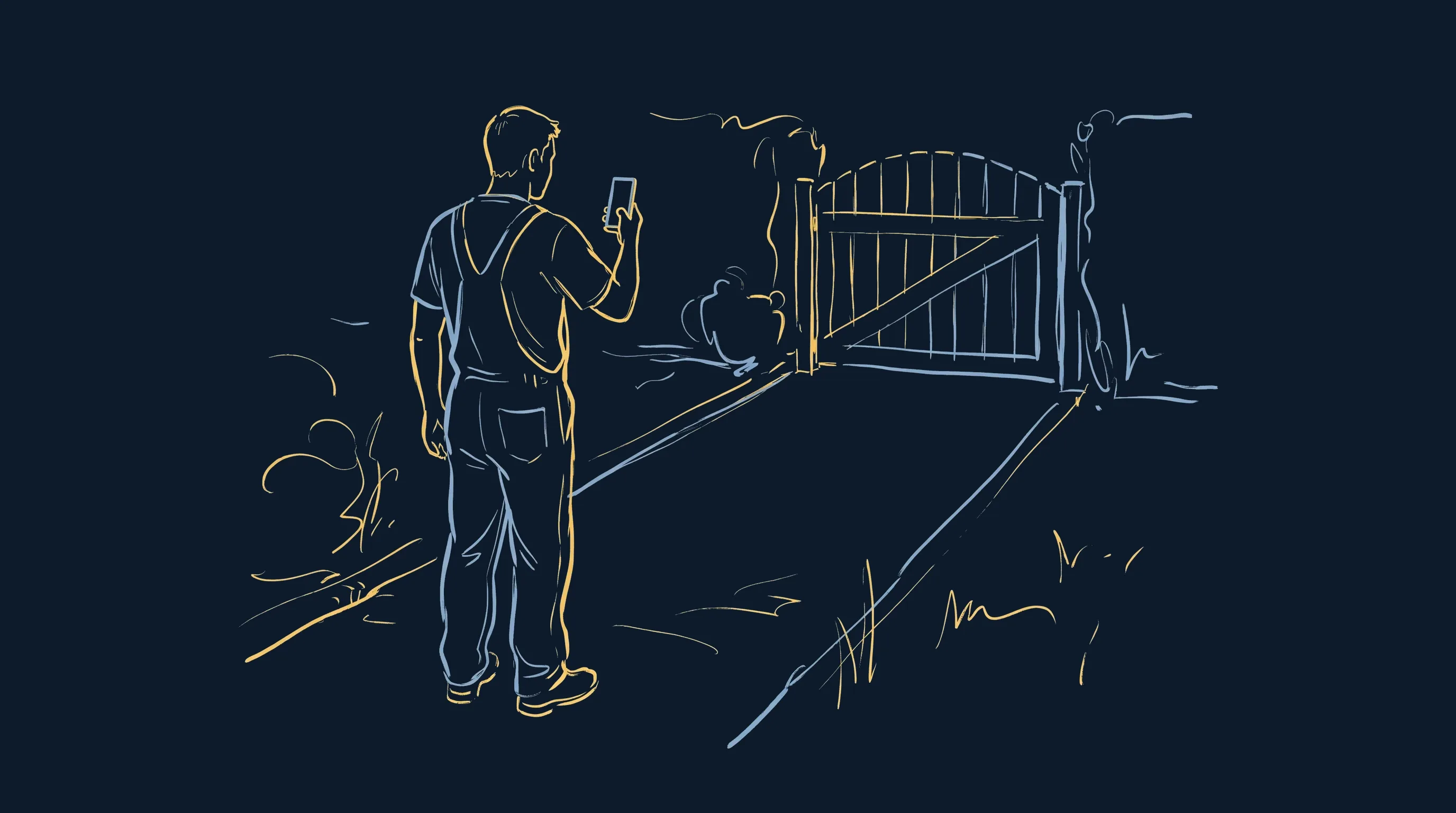
The raw material already existed, but nobody used it. The site manager goes to the site, looks around and describes what they see. All it takes is filming while talking.
An AI can do 3 things with this video. What was missing was the pipeline that connects them and produces a document a crew member can use in a van.
Transcribe
the speech, with its time codes
Watch
the footage, slope and access included
Write
the document the crew takes along
The full process
6 steps, from the van to the printed document. Claude Code does the data entry, and people make the decisions at both ends of the pipeline.
Film the site survey
The site manager films the site while talking: the slope, the access, the condition of what is already there, the measurements. A one-page memo lists what to say out loud and what makes a video unusable. It stays in the van.
- Input
- the site, filmed on a phone
- Output
- a narrated video, in landscape mode
Transcribe locally
The audio is transcribed locally by a speech recognition model installed on the machine. Nothing goes to a third party. The output file carries the time codes, so you can go back to the exact second.
- Input
- the video
- Output
- a time-coded text
Watch the video
The video is cut into contact sheets, one thumbnail every 15 seconds, with the time code printed on it. The AI reads these sheets alongside the text. The images show what the speech leaves out: the real slope, the width of the gate, the condition of the paving.
- Input
- the video
- Output
- sheets of time-coded thumbnails
Write the sheet
The AI fills in a structured job site file: the summary, 3 to 5 instructions, and the specifics, each with its time code. The rules are strict: short sentences, job site vocabulary, one piece of information per point, and “to be confirmed with the client” wherever the video says nothing.
- Input
- the text and the contact sheets
- Output
- a completed job site file
Extract the images
Each specific point triggers a screenshot at the given time code, inserted into the sheet with its caption. The crew member sees the post in the planter before arriving, and can go back to the video when in doubt.
- Input
- the video and the job site file
- Output
- one image per point to watch
Check and send
The sheet comes out as standalone HTML and as a PDF, in the company's brand colors, with embedded fonts. The site manager checks the quantities, the address and the planned month, then sends it. A tonnage error means paying for an extra delivery.
- Input
- the sheet produced
- Output
- the document the crew takes along
What changed
Before
- Meeting details are noted by hand in a notebook, 2 to 4 months before the job
- A pre-job site visit is scheduled again to recover what was said
- The job file is retyped from the quote and the notes
- The crew discovers on site what was not passed on
- In a dispute, the company has no record of the site's initial condition
After
- The site survey is filmed and narrated once, on the spot
- The sheet is written from this video, with no re-keying
- Each point to watch has its own image and time code
- The crew leaves with the document in hand and can go back to the video
- The dated video stays on file and becomes proof of the initial condition
The client stays in control
The pipeline is built entirely in Claude Code, as a routine. The folder contains the workflow, the writing rules and the checks, written in plain language in files the client can open and edit directly.
A rule to tighten, a field to add to the sheet, a color to change in the template: the company does it alone, by editing a text file. It can adapt the tool as its trade changes, without coming back to me and without depending on a software vendor.
The whole setup was installed and tested in the client's environment, on its own job site videos, before going live.
Want similar results?
A pipeline like this one is built in a few days, once the process is mapped. The training course on building a job-specific AI agent with Claude passes the method on to your teams.
30 minutes, no commitment.