Microsoft 365 Copilot administration
A day spent in your own admin portals: licenses, indexed scope, audit log. You leave with an assessment of your tenant, your oversharing remediation plan and a 30-day deployment plan you can present to your management.
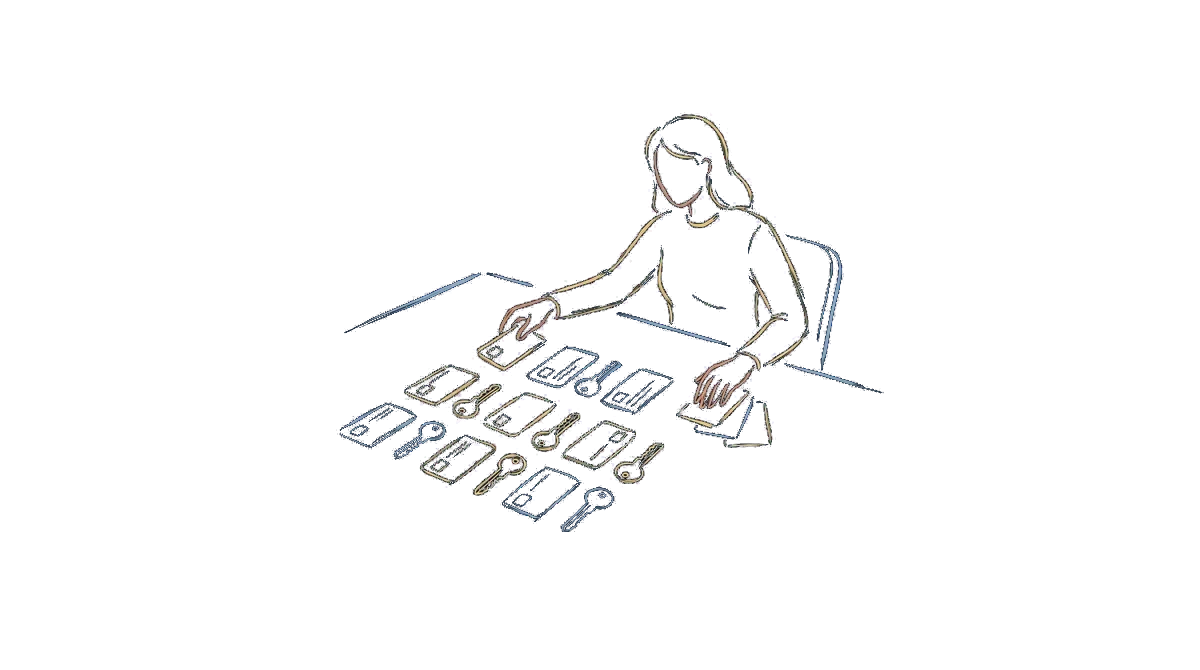
This training is designed for:
The Microsoft 365 administrator
Their management bought Copilot licenses and wants them deployed next month.
The SMB IT director
They run IT single-handedly and want to know what Copilot will surface before switching it on.
The compliance lead
They will have to justify the legal basis, the retention period for interactions and the logs available in case of an audit.
Microsoft 365 Copilot administration
Learning objectives
The learning objectives of this training can be assessed. By the end of the session, each participant is able to:
- Describe the architecture of Microsoft 365 Copilot and the path of a user request, from prompt to response, identifying the role of existing permissions
- Assess the Copilot status of your tenant: available and assigned licenses, admin roles you can use, settings already active
- Define a license assignment model and set up a pilot group with its entry and exit criteria
- Configure the tenant settings that define the scope of Copilot experiences, and log each decision with its reason and its rollback step
- Measure the exposure of your document spaces, prioritize at-risk sites and write an oversharing remediation plan
- Configure a Microsoft Purview protection policy for content that carries a sensitivity label, and check its effect on the user side
- Search for Copilot interactions in the unified audit log and decide the retention period that applies to them
- Build a 30-day deployment and governance plan with measurable tracking indicators
Audience and prerequisites
Audience. Microsoft 365 administrators and security and compliance administrators in charge of deploying Copilot. IT directors and IT managers at small businesses, SMBs and mid-sized companies. Data governance leads, CISOs and data protection officers involved in the Copilot project. Managed service providers and integrators supporting their clients with the Microsoft 365 Copilot rollout.
Prerequisites. No development skills required. Any PowerShell commands shown are explained step by step by the trainer, and every learning objective can be reached through Microsoft's graphical admin interfaces alone. Experience administering a Microsoft 365 tenant: managing users, licenses and groups. Familiarity with the Microsoft admin centers and with the SharePoint, OneDrive and Teams permission model. Basic knowledge of data governance and compliance: GDPR, internal security policy, access rights management.
Each participant's actual level is checked before the session with a placement questionnaire, which is used to adjust the outline.
Program
The full outline, sequence by sequence, is in the detailed program you receive before registering.
Want this training for your team?
Answer 3 questions and your estimate appears. We call you back within 48 hours with the quote, the detailed program and possible dates.
Teaching methods and resources
The training combines demonstrations with commentary, guided workshops and hands-on work on the participants' real cases. Theory is limited to what you need to put things into practice.
- A practitioner trainer who works on the subjects taught
- Course materials for each participant
- Each participant works on their own computer, with their own files
- Environment set up in advance and tested before the session
In person
The training takes place at the client's premises. The client provides a room with a projector or screen, an internet connection and a computer for each participant.
Remote
The training runs as a live virtual classroom, in a group with the trainer, on a fixed schedule. Participants interact by voice, screen sharing and chat, in both directions and throughout the session. Each participant's connection is logged and serves as the attendance record. Technical support is available by email and phone for the whole session, and a connection test is offered ahead of the day.
Hybrid
A single session can bring together on-site and remote participants. The trainer leads from the in-person venue, and remote participants follow in the virtual classroom with the same individual support and the same deliverables.
Assessment and certification
- Placement questionnaire before the training starts
- Continuous assessment through the exercises completed during the session
- Final assessment of learning against the objectives listed above
- Satisfaction questionnaire at the end of the session, then again a few weeks later
The training leads to an end-of-training certificate stating the objectives and the assessment results, and to a certificate of completion sent to the funder where applicable.

Official title in the training program: « Administrer Microsoft 365 Copilot : déployer, gouverner et contrôler l'IA dans son parc Microsoft 365 » (Administering Microsoft 365 Copilot: deploying, governing and controlling AI across your Microsoft 365 environment). Page updated on August 31, 2026.

Free course to get started with Claude
Judge our teaching before you commit a budget.
- 1 hour 20 minutes of video in 5 short modules
- Installing Claude and setting up your workspace
- 6 ready-to-copy skills and starter files
- The privacy settings to apply from your first day
- A selection of 20 AI tools for marketing
The course videos and emails are in French.
Questions?
Accessibility · results · complaints
Our quality commitments, our results indicators and the adjustments available to people with disabilities are published on a dedicated page.