
The carousel has become LinkedIn's most engaging format, and it's also a great test of how we really work with AI in 2026. My first carousel with Claude Code took me 3 hours. The latest one took 15 minutes.
Between the two, everything around the prompt changed: the folder structure, the markdown files that describe my brand and my visuals, the skill I saved once and for all. The prompts themselves stayed short. Today they look like “make me a carousel on this topic”.
The perfect prompt has stopped being the main lever, and that is the real shift of the year. The LinkedIn carousel, a case everyone knows, shows the method in practice.
Why the perfect prompt stopped mattering in 2026
The idea of the “perfect prompt”, a magic formula passed around in secret, has had its day. The industry agrees. In the State of Context Management Report 2026, 82% of IT and data leaders say that prompt engineering alone is no longer enough to scale AI, and 95% of teams plan to invest in context engineering training this year.
The term reflects a real change. Andrej Karpathy sums up the shift well: we associate the word “prompt” with short task descriptions, while the real work is deciding what information fills the model's context window at the moment it answers. Anthropic took a step in this direction by publishing its Agent Skills and a whole framework on context engineering, and Gartner went as far as calling 2026 the year of context.
There's even a technical reason why piling instructions into a giant prompt fails. Researchers at Chroma gave the phenomenon a name: context rot. A model's accuracy degrades as its input gets longer, even on simple tasks. Databricks measured it: on a model like Llama 3.1, quality starts to drop around 32,000 tokens, well before the theoretical million-token limits we keep hearing about.
A 2-page “super prompt” often produces worse results than a short request backed by well-organized context. Curating the context is what helps. With the prompt out of the lead role, 3 things take over, and the carousel case shows each of them: the project structure, an organized folder the AI explores when it needs to; markdown files, which serve as long-term memory; and skills, modules of know-how the AI activates at the right moment.
The prompt is what you ask. The context is what the AI knows when it answers. The first takes 3 seconds to write. The second takes 3 days to build, and it serves you for 3 years.
The LinkedIn carousel as the perfect test case
The carousel is the ideal example to make this shift tangible, for 4 reasons. It's a repetitive task, so it justifies a little investment upfront. It mixes text, visuals and brand identity, so there are 3 types of context to organize. Its failure is obvious when you hand it to a prompt alone, because anyone spots a generic carousel immediately. And it's a high-yield format, so the business stakes are real.
The numbers back this up. According to Socialinsider's LinkedIn benchmarks, the carousel shows an average engagement rate of 6.60%, nearly 6 times that of a plain text post. Better still, the best-performing format on the platform is the native document, the PDF you scroll through like a carousel, at 7.00% engagement, precisely because people can download it. People save what's useful to them. The right technical format fits on one line: portrait 1080 by 1350 pixels, 5 to 15 slides.
Here's a carousel made with exactly the method described below, for Qiplim, the project I co-founded. Claude Code assembled it as the orchestrator, and Gemini generated the brand visuals. Its topic, fittingly, is the place of humans in the face of AI. The carousel itself is in French.
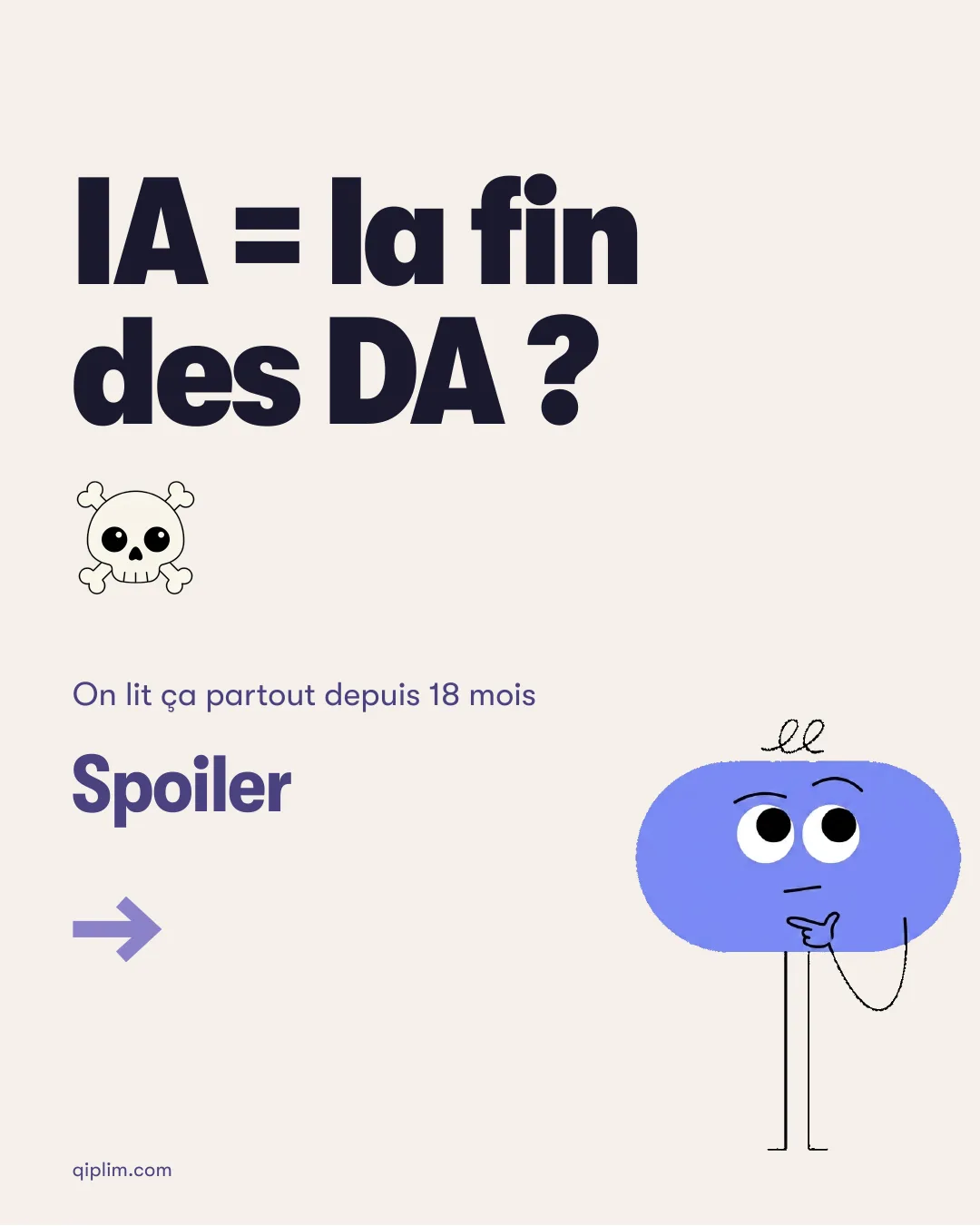
Qiplim carousel, 10 slides, in French · open the PDF or download it
The carousel's argument echoes this article's: AI widens the gap between brands that have real art direction and those that don't, which keeps art directors in the picture. I'll come back to this at the end. The result above came out of a request just a few words long.
Pillar 1: the project structure
Before writing a single prompt, you build the folder tree. It's the step almost everyone skips, and it's the one that changes everything. Here's what a marketing copilot folder dedicated to carousels looks like.
mon-marketing-copilot/
├── CLAUDE.md
├── .claude/
│   └── skills/
│       └── carrousel-linkedin/
│           └── SKILL.md
├── assets/
│   ├── logos/
│   ├── icons/
│   ├── illustrations/
│   └── photos/
├── briefs/
│   └── identite-visuelle.md
└── carrousels/
Each folder has a reason to exist. The CLAUDE.md at the root is the first file Claude Code reads when it opens the project. The .claude/skills/ folder holds the carousel skill. The assets/ folder stores the approved logos, icons, illustrations and photos. The briefs/ folder keeps the documented visual identity. And carrousels/ holds the finished carousels. This structure works as a map that Claude goes through before each task, so it no longer receives everything at once in an endless prompt.
It's exactly the logic I apply on the code side. When I documented my method for building a website with Claude Code, the starting point was the same: prepare the project architecture before producing anything. And if working in a versioned folder feels foreign to you, I wrote a guide to setting up your development environment as a marketer with no developer background.
If you've never seen a tree like this one, that's normal. It's the invisible work a developer does before the first line of code, or an agency before the first mockup. The difference this time: your marketing team reaps the benefit.
Pillar 2: markdown files as your permanent memory
Once the structure is in place, you fill it with markdown files. There are 3 types, and each acts as a memory the model no longer has to rebuild in every session.
The first is the CLAUDE.md at the root, your permanent brief. It holds the brand identity, the palette, the typefaces, the tone of voice, the conventions and the guardrails. Everything you used to repeat in every conversation, written down once. Claude reads it automatically when the project opens.
The second type documents your assets. For each logo, icon or illustration: its role, its dimensions, its canonical version, its intended use. Why go to this trouble? Because the AI doesn't see your files the way you do. A file named logo-2-final-v3.png tells it nothing. It's a bit like briefing a blindfolded colleague: you have to describe what they can't see. The good news is that you can ask Claude to write this documentation for you.
Go through the assets/ folder, and for each file,
create an entry in briefs/identite-visuelle.md:
file name, what it shows, dimensions,
version to use, and in which context to use it.
Be precise: you're writing for someone who will
never see these images.
The third type is editorial briefs. When you want a carousel on a topic, you write a mini brief in markdown, where you used to write a throwaway prompt. You gain on 3 counts: the brief can be versioned, shared with the team and reused for other channels. The same brief will then feed a newsletter, a long post or a podcast script, without starting from scratch.
A markdown file doesn't look like much. Yet it's the most powerful format for working with an AI in 2026: readable by a human, structured for a model, versionable like code.
This memory then extends brand by brand, with a standalone folder for each. I described the full system, its 8 modules and its setup wizard, in my case study on the marketing copilot run by Claude Code. The carousel alone is enough to show the principle here. Below is the same system applied to a completely different brand: N2, a collective of experts, whose brand guidelines have nothing in common with Qiplim's. The carousel introducing a new member is still perfectly consistent, with matching illustrated portraits and the palette respected, because the brand memory is documented in the same place. This one is also in French.
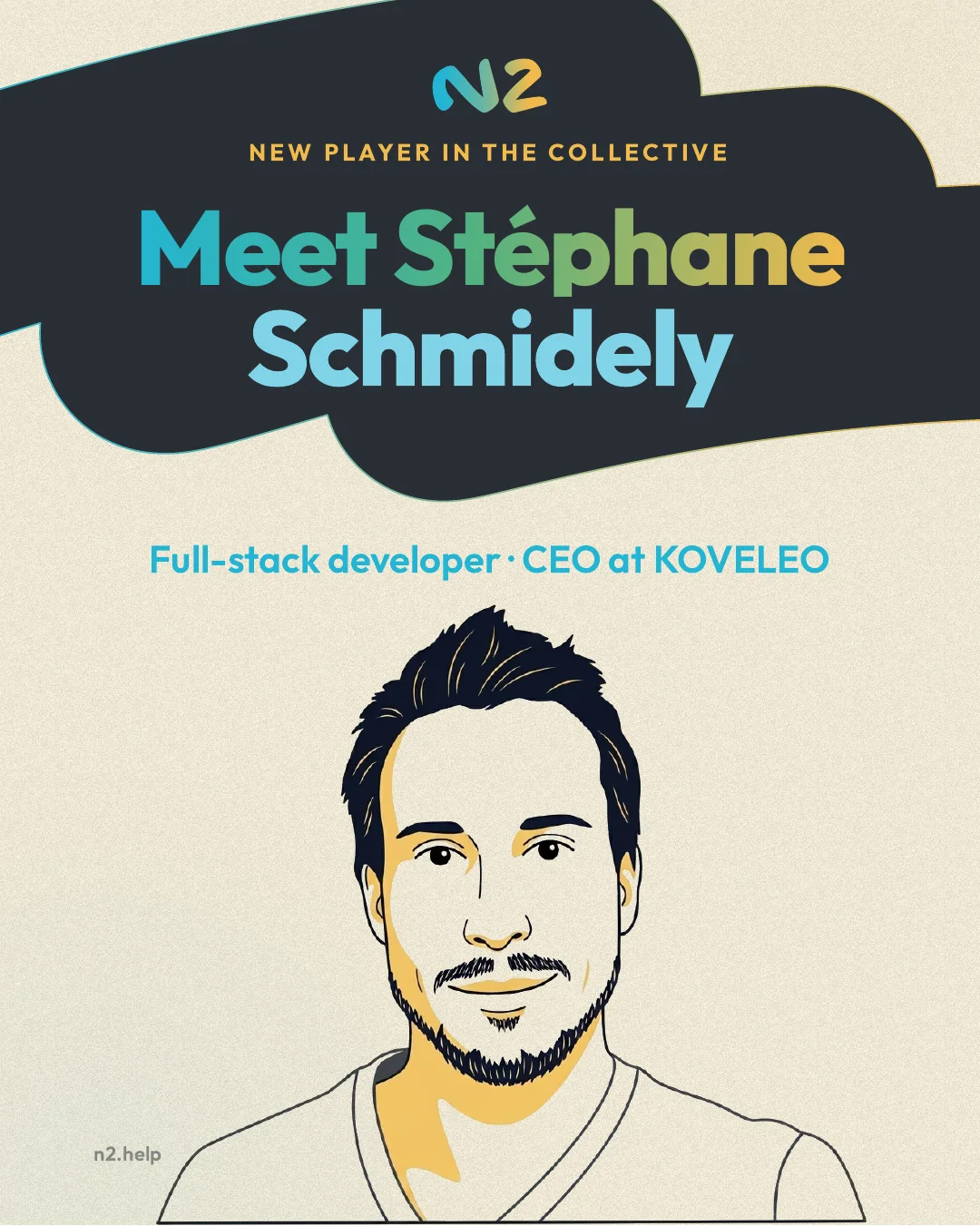
N2 carousel, 8 slides, in French · open the PDF or download it
Pillar 3: skills put an end to copy-pasting prompts
A Claude Code skill is a folder containing a SKILL.md file: instructions and a description that teach Claude how to do one specific thing. Claude loads these instructions only when they're relevant, so they don't crowd its context in advance. You write the skill once, then it applies automatically.
This is where the reasoning leads. A skill is a markdown file that teaches Claude Code how to perform a task, once and for all. Its architecture relies on the file system and on what Anthropic calls progressive disclosure: Claude loads information in stages, at the moment it's useful, so the whole context never lands upfront. It's the practical answer to the context rot mentioned earlier.
For a marketer, this changes the nature of the work. You stop rewriting your instructions for every new piece. The whole team inherits the system, including people who never held the magic prompt. And the skill evolves with the brand, in git, as a living asset you improve as feedback comes in. In practice, what does a carrousel-linkedin skill look like? This:
---
name: carrousel-linkedin
description: Creates a LinkedIn carousel as a PDF,
  following the brand guidelines. Use it whenever someone
  asks for a carousel or a slide post.
---

# LinkedIn carousel

## Format
- Portrait 1080 x 1350 px, 5 to 15 slides
- Final PDF export, ready to publish

## Composition
- Slide 1: strong hook, a single idea
- Middle slides: one idea per slide
- Last slide: clear call to action

## Assets
- Logos and illustrations: see assets/
- Usage rules: see briefs/identite-visuelle.md

## Tone
- Short sentences. Brand voice defined in CLAUDE.md.
One detail matters more than it seems: the quality of the description and the examples. A skill with a precise description, illustrated with concrete examples, triggers at the right moment far more reliably than a vague one. That's where your care should go.
And after all this work, what does the request look like? This: “Make me a carousel on the STEP method.” That's it. The system does the rest. It knows the brand, knows where to find the visuals, applies the composition rules and outputs a PDF ready to publish. The 3 hours at the start have become 15 minutes, because everything around my prompt now exists.
What this shift changes for a marketing team
Beyond the carousel, this change has 3 concrete consequences for a team.
First, the key skill has moved from prompting to organization. A marketer who structures a project properly beats a marketer who writes brilliant but short-lived prompts. Filing, documenting, naming files correctly: what looked like housekeeping has become a strategic skill.
Next, AI becomes a team asset. As long as the magic lived in one person's prompt, the know-how left with them when they changed jobs. With skills and versioned files, the knowledge stays in the organization and gets passed on by itself.
Finally, the role of the designer and the art director stays central, but it moves upstream. Without a clean graphic system at the start, AI only amplifies mediocrity. That's exactly what the Qiplim carousel above says: human art direction at the input, technical orchestration at the output, and the result holds up. AI widens the gap between brands that have real branding and those that don't.
The method has limits. Expect a learning curve of 1 to 2 days to get used to the terminal and the structure. Claude Code is a complement to a creative studio: for strong original creative work, people remain irreplaceable, and that's a good thing. And if your design system is weak, the system will produce consistent mediocrity. The method multiplies a solid foundation; you have to build that foundation first. The same caution applies to any AI-assisted content strategy: the tool speeds you up, and the decisions stay yours.
Want to set up this system in your team?
The course to get started with Claude: 5 videos, 6 skills to copy, 20 prompts and 20 AI tools with my comments. 100% free.
Get the free courseThe course videos and emails are in French.
Conclusion
In 2023, we thought working with AI would mean getting good at prompts. In 2026, it means getting good at architecture: folder structure, markdown files, versioned skills. It's less glamorous than a prompt secret, and far more profitable.
The LinkedIn carousel is just a convenient pretext. The same mechanics apply to your newsletters, your pages and your presentations. Once the system is in place, content turns into a reliable routine. And that's probably the only real gain generative AI brings to marketing today: repeating less, to think more.
If you'd like to discuss your own case, the 6-minute AI marketing diagnostic is still the simplest place to start.